



maxik
Пользователи
-
Зарегистрирован
-
Посещение
Весь контент maxik
-
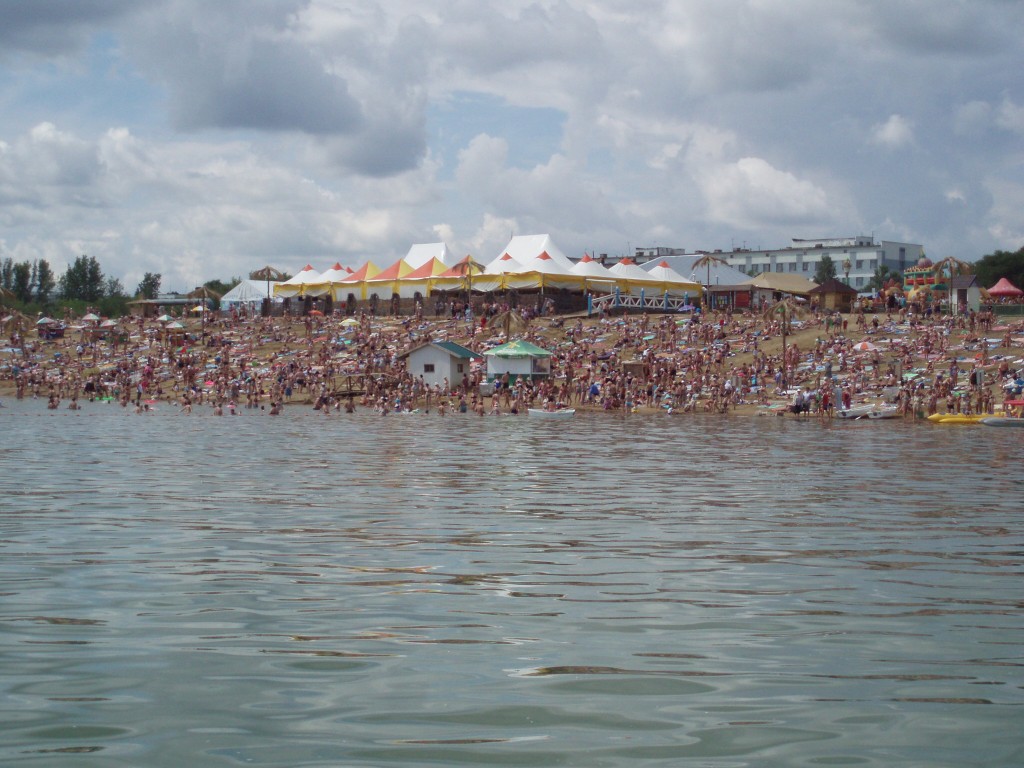
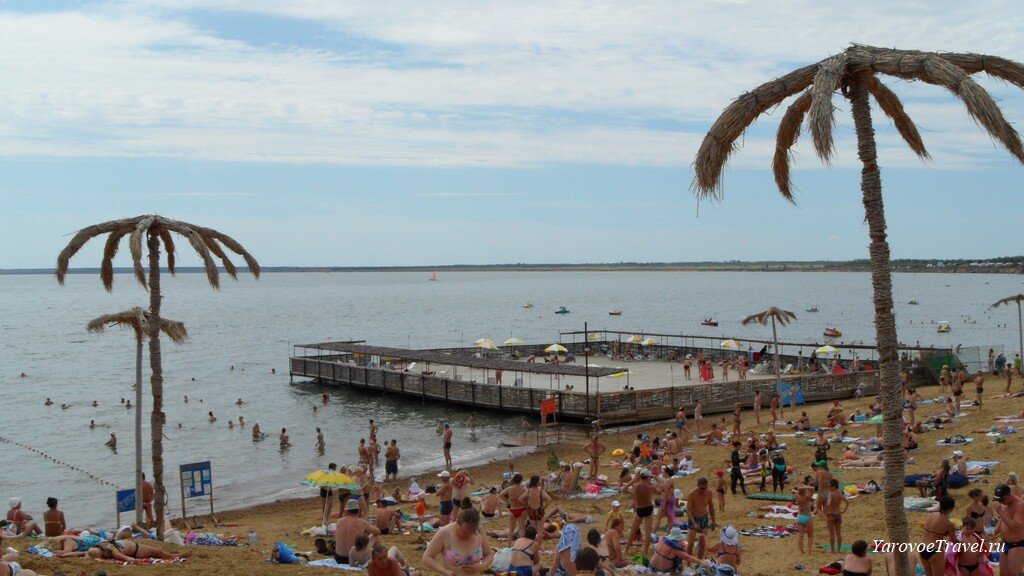
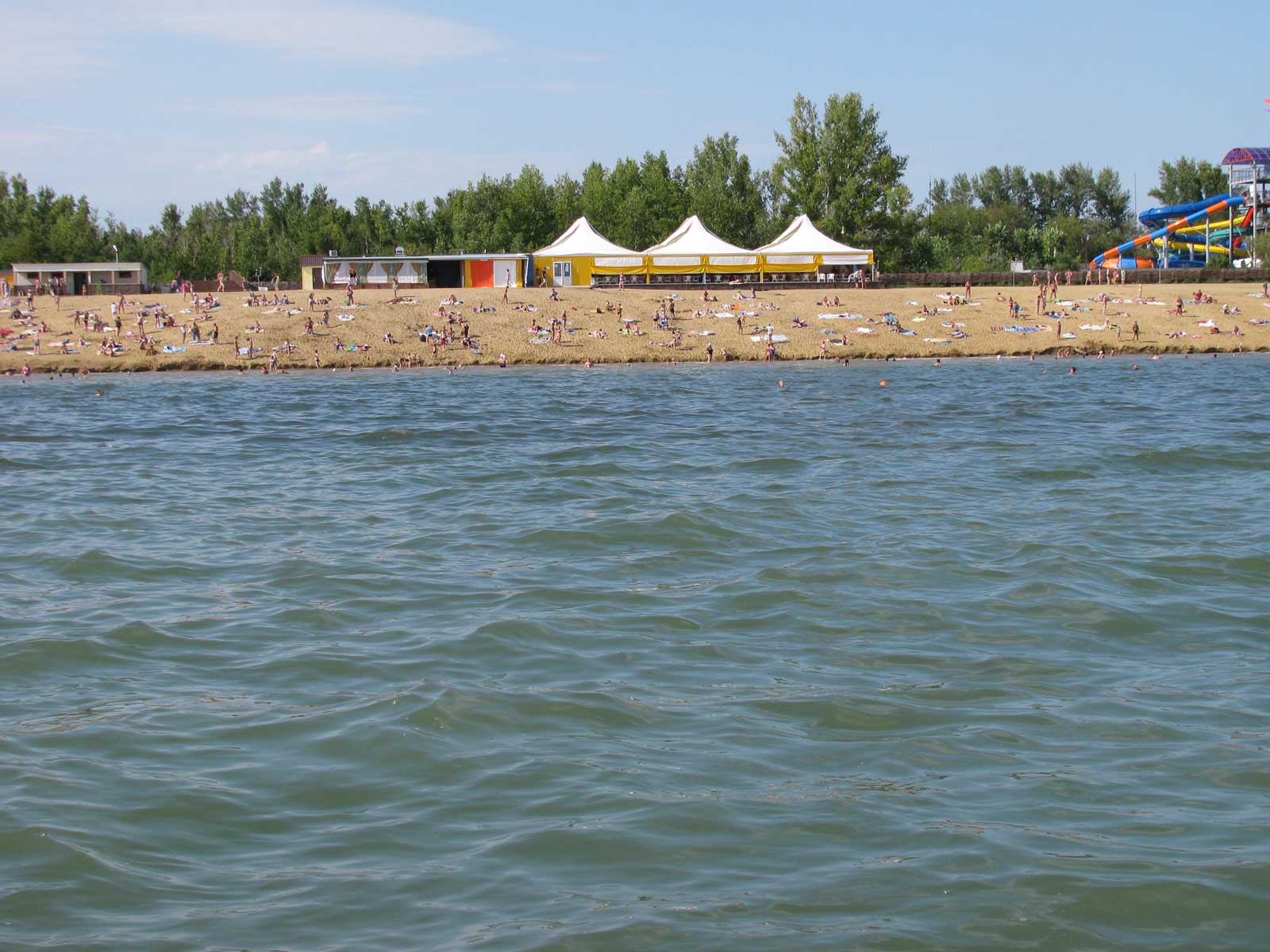
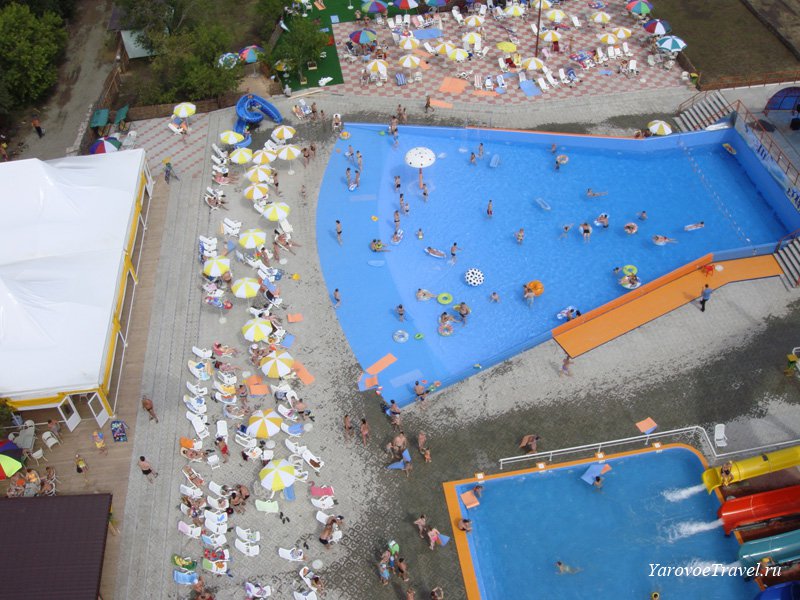
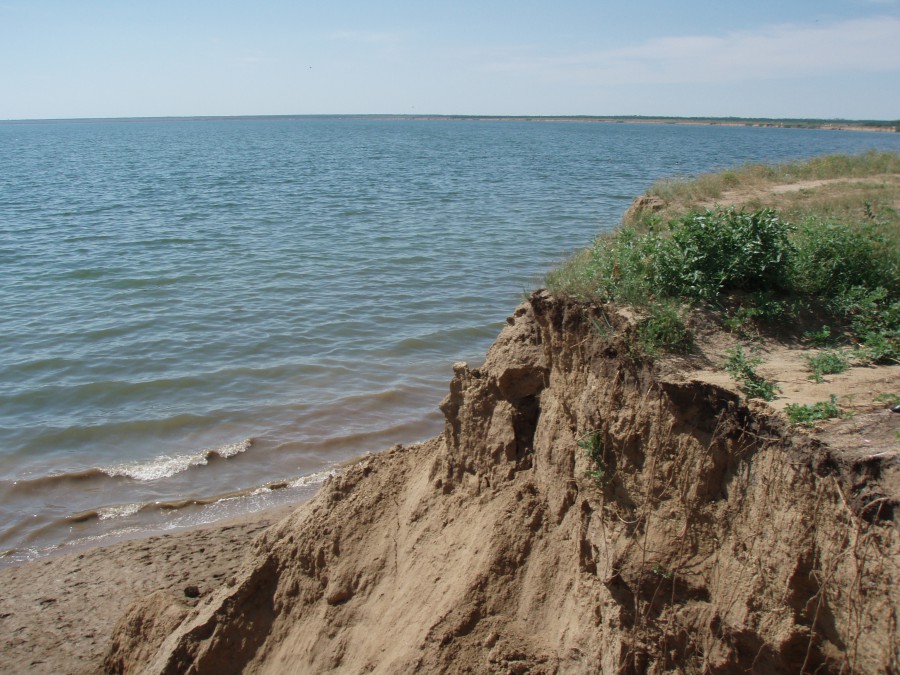
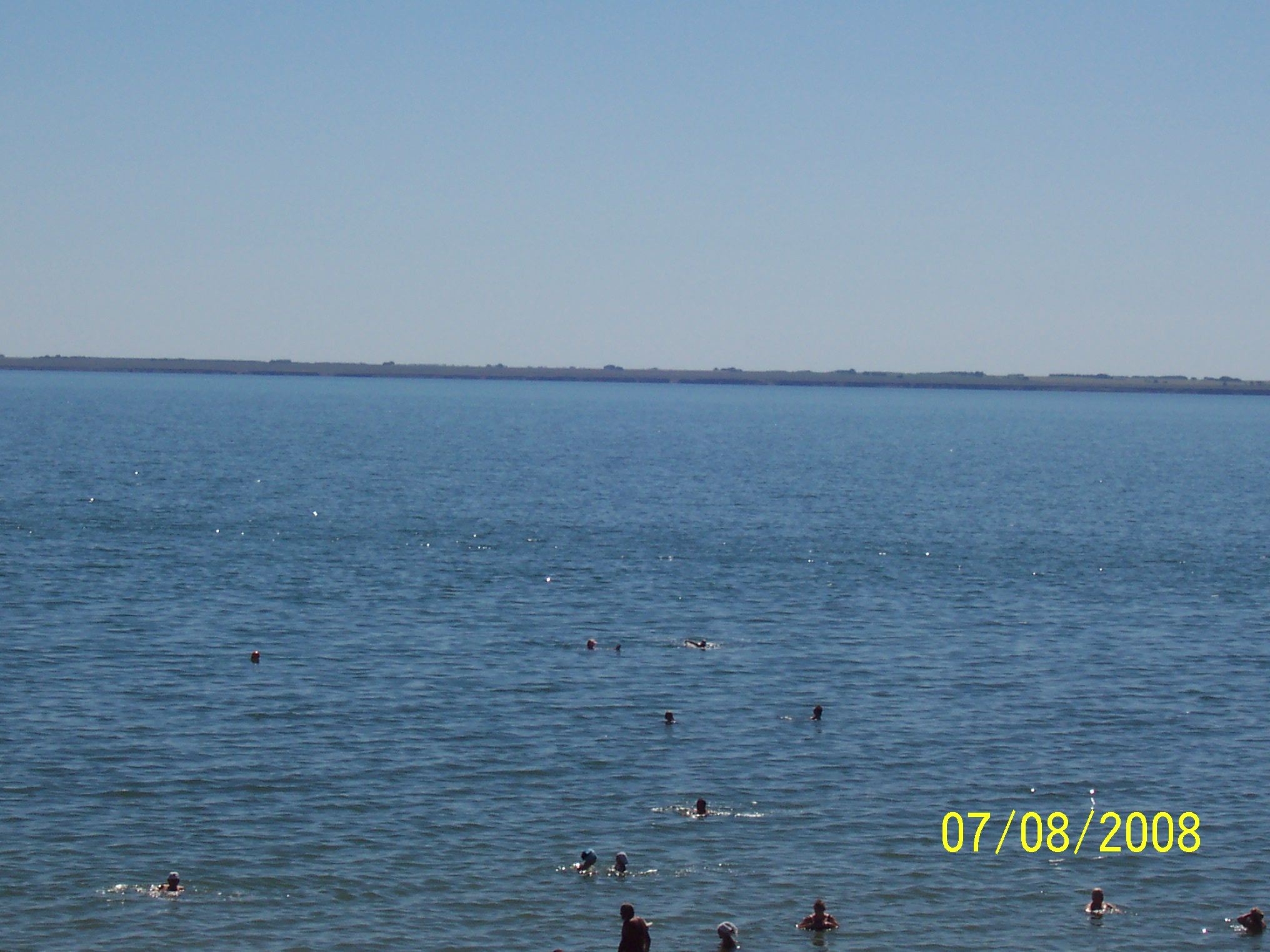
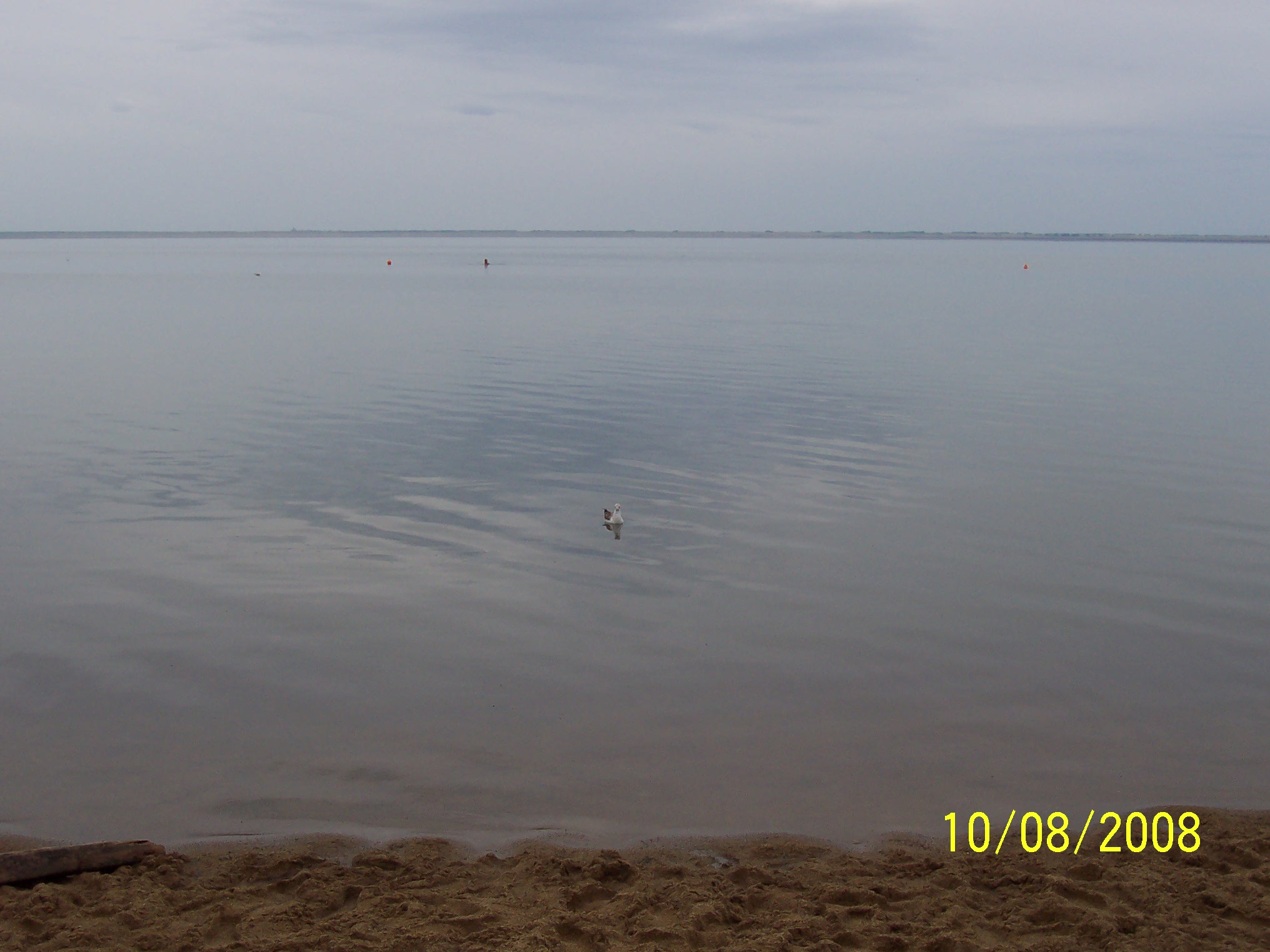
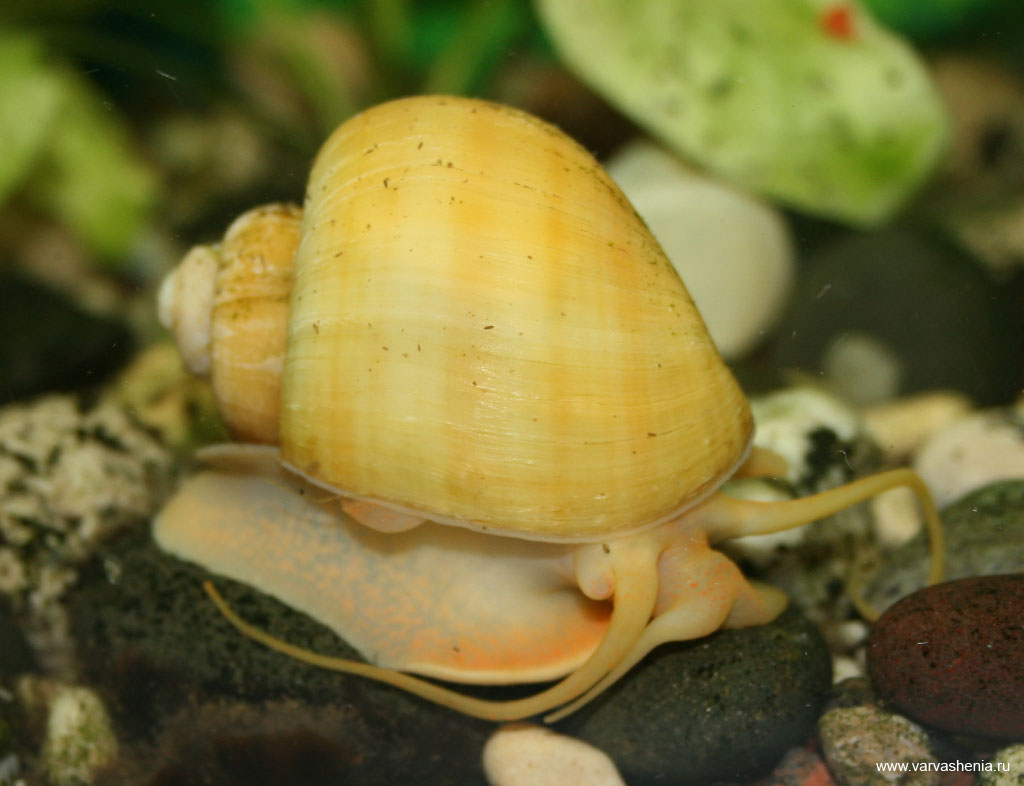
вишни, от них шарахаюца)))я вообще ниче не почувствовал)))у меня уже, пару катушек заточили)спасибо за растенияАлтай. оз. Яровое. соль, после 20 минут прибывания в воде начинает разъедать кожу вода холодная... грязи в этом озере, обладают лечебными свойствами. )))
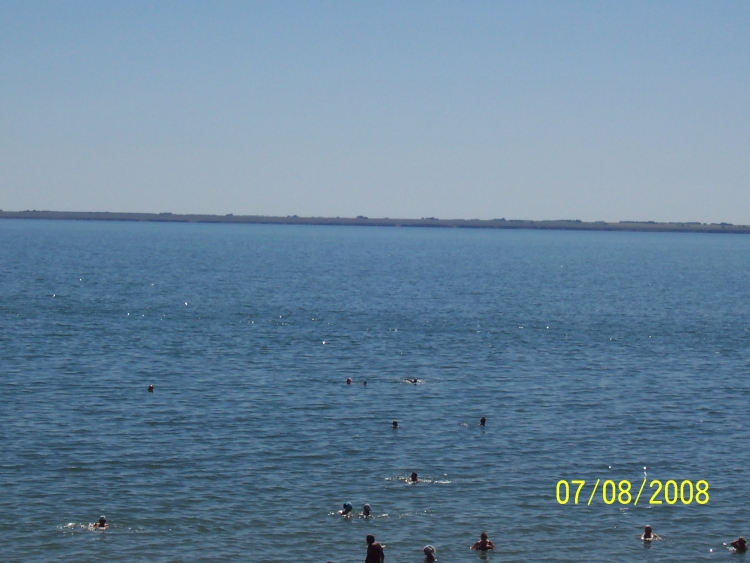
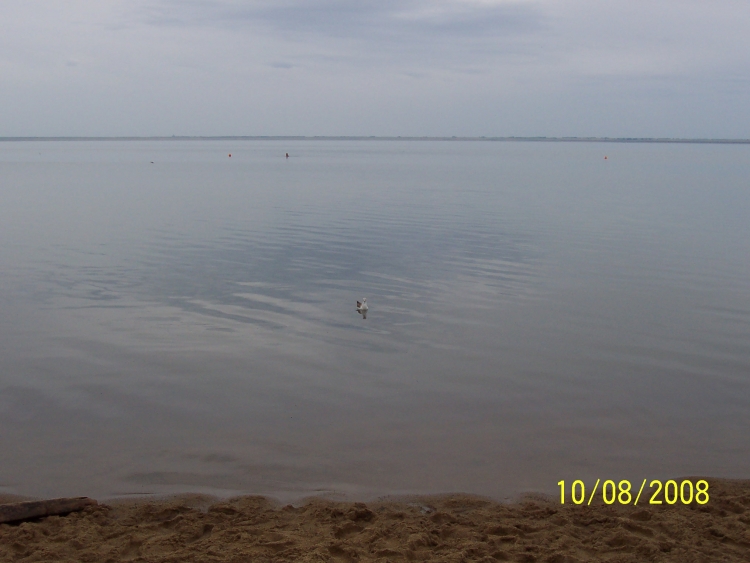 круто! сильно вода там соленая?))это, не я фотал) и фотки не мои...



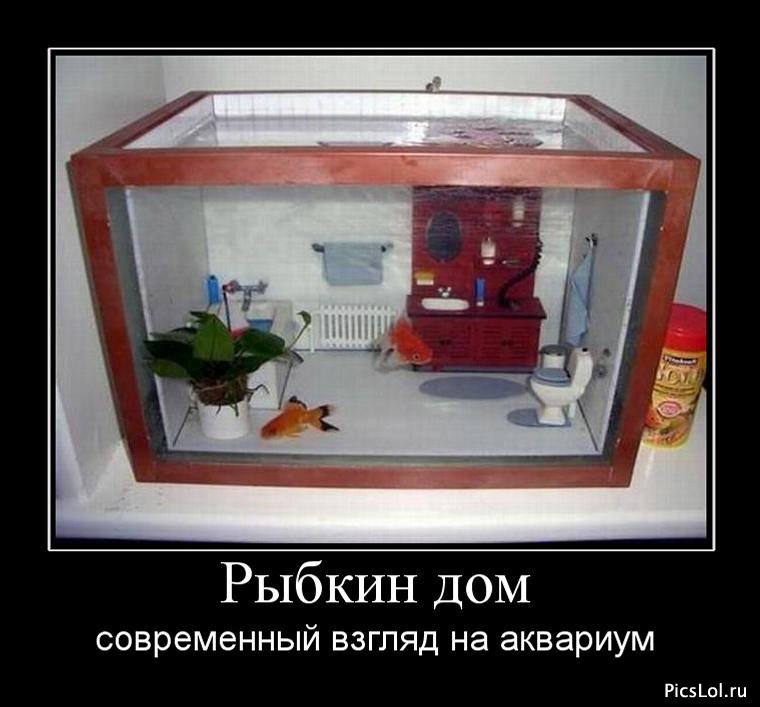
 интересно, интереснокуплю, штук 10 взрослых вишневых креветок, 10 руб/хвост. желательно сегодня.боятся боцики их? странно..























Account
Navigation
Поиск
Configure browser push notifications
Chrome (Android)
- Tap the lock icon next to the address bar.
- Tap Permissions → Notifications.
- Adjust your preference.
Chrome (Desktop)
- Click the padlock icon in the address bar.
- Select Site settings.
- Find Notifications and adjust your preference.
Safari (iOS 16.4+)
- Ensure the site is installed via Add to Home Screen.
- Open Settings App → Notifications.
- Find your app name and adjust your preference.
Safari (macOS)
- Go to Safari → Preferences.
- Click the Websites tab.
- Select Notifications in the sidebar.
- Find this website and adjust your preference.
Edge (Android)
- Tap the lock icon next to the address bar.
- Tap Permissions.
- Find Notifications and adjust your preference.
Edge (Desktop)
- Click the padlock icon in the address bar.
- Click Permissions for this site.
- Find Notifications and adjust your preference.
Firefox (Android)
- Go to Settings → Site permissions.
- Tap Notifications.
- Find this site in the list and adjust your preference.
Firefox (Desktop)
- Open Firefox Settings.
- Search for Notifications.
- Find this site in the list and adjust your preference.